

It’s been a worky summer as I’ve been in the throes of a book art deadline, which I shared about in my author news update here:

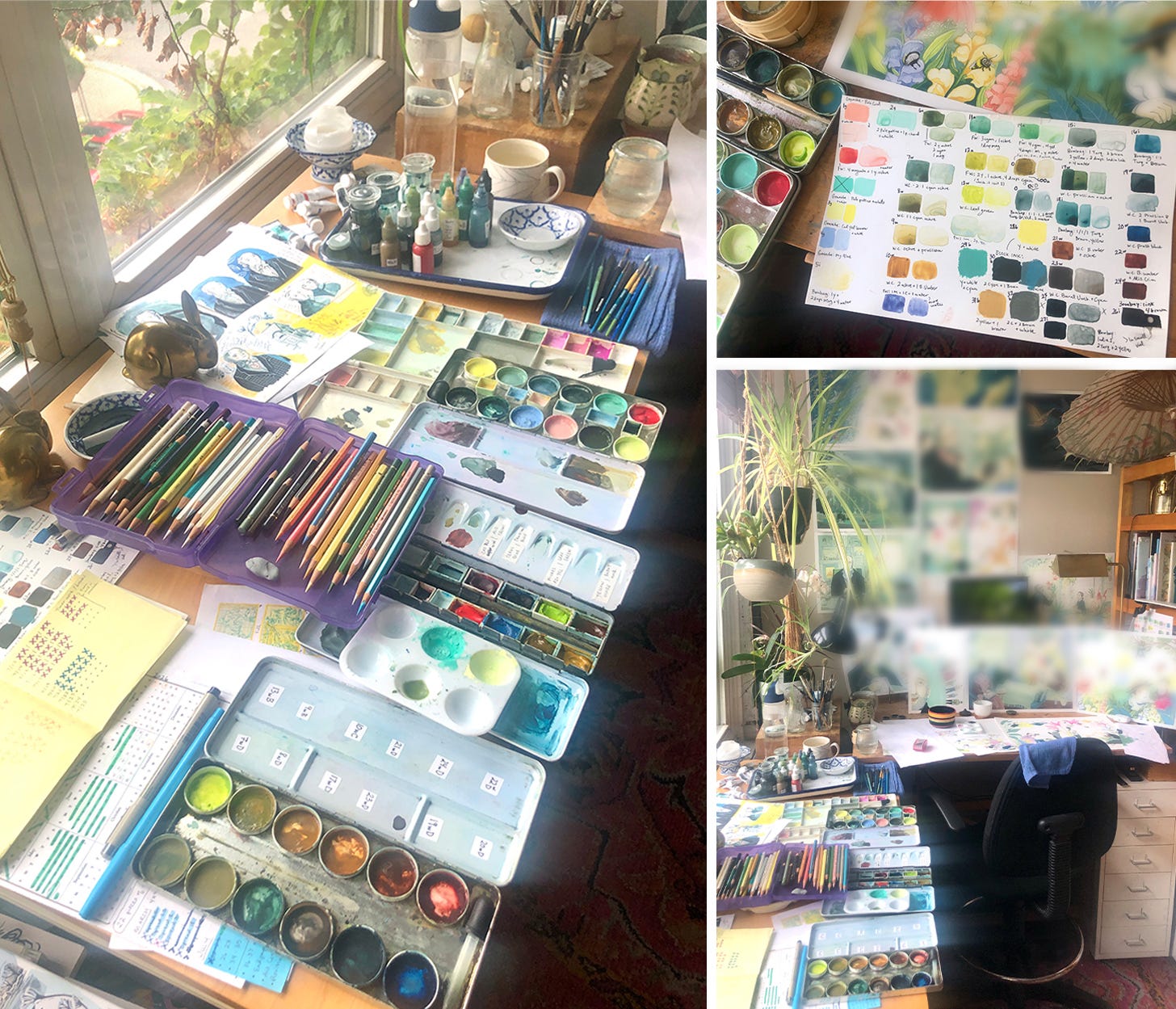
My pal Kimberly Gee lovingly calls art deadline mode “The Tunnel”, and that’s really what it feels like. I’ve been tunneling for many months! There’s light somewhere at the end.
Kimberly is a fellow artist and book-maker, and she recently shared a delightful post inspired by poet William Stafford about taking the pressure off our writing and art with “stray jottings”. She said,
“The phrase stray jottings has often come to my rescue in my creative practice when I’m facing scrutiny—usually of my own making—which then leads to resistance.”

This makes a lot of sense to help relieve pressure from scrutiny, and it also works in times that get too busy for the usual creative writing and thinking process. A LOT of feelings on the creative work life come up while I’m on book deadlines, but stray jottings—notes on paper scraps saved for later—is the best I can do as far as capturing any of my thoughts about them. I look forward to having time to turn those into coherent share-able nuggets here when the breathing space returns.
Reader Question
In the meantime, I got a question from artist Jennifer Maria Harris (& her artist daughter) about my digital art process after the last posts sharing about my book-making process. I’ll go into some minutia that will likely only interest folks working digitally; if that’s not you, you can leave off here! 👋
Q: I'm curious why you use Fresco rather than Procreate for the refining. Is something easier/better about that? Loved seeing your choices on things like moving that owl. We could see how it improves the flow and composition.
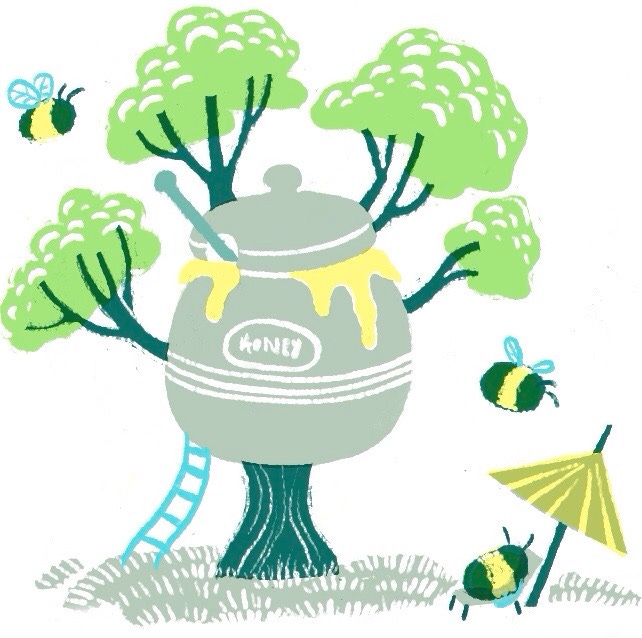
A: Thanks for this question! Full disclosure, I’m not a tech guru. I tend to find things that work for my process and do them continually, though I’m sure there are different/better ways to go about it. When I first got an iPad I started working only in Procreate; it’s low cost and I love the simplicity of the tools and layout and I enjoy it for the sketching stage because it’s fast and simple. I fell in love with some specific brushes there and have a few rendering techniques I honed in on using the brush “Mercury” that I like (which I used to make the above Honeypot & Bees image) which I can’t replicate in Adobe Fresco. Also, you can work in RGB and CMYK color profiles in Procreate (Fresco oddly only supports RGB), and I sometimes need to build color palettes in CMYK for print purposes. I like the way color palettes work in Procreate.
So why Fresco? Fresco has a much larger and more unlimited layer capacity. Procreate allows something like 10 layers at the sizes of final art that I work at (around 20”x 10” at 300-400 dpi) which is too limited for the way I work with layers (I use a lot of masks on a lot of layers within layers). Fresco has its own brush libraries and I’ve found several of Kyle Webster brushes as my “go-to” favorites. Also, Fresco is compatible with Adobe Photoshop so I can open the same file on the iPad for portable work, then move over to my laptop and Cintiq setup in the studio to work at full scale in Photoshop.
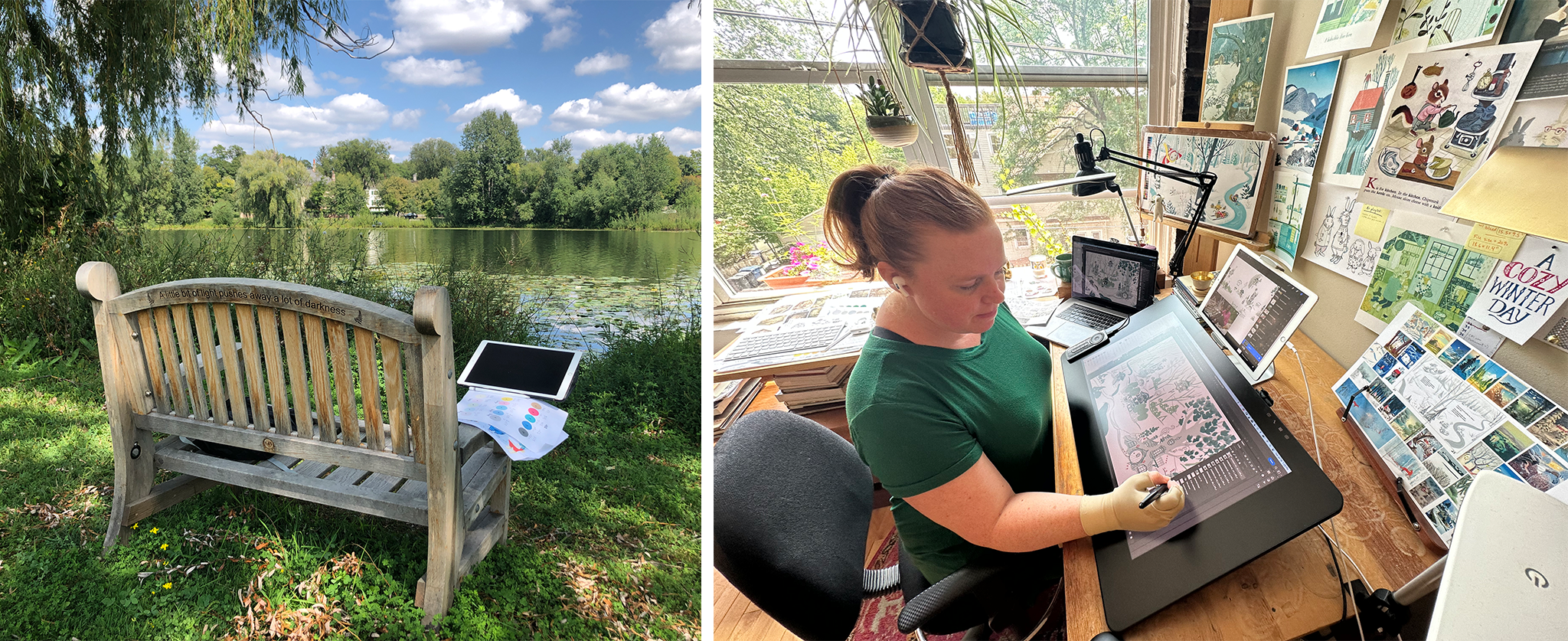
I believe as of right now (2026) Fresco is free without an Adobe subscription (?). If this is true, it’s worth a play around for digital artists. One of my favorite contemporary illustrators, Lisk Feng, has an Adobe Fresco beginners course on Skillshare that is seriously adorable, here …I throw it on sometimes just to hear her talk. :)
That said, Adobe products are otherwise expensive and I don’t know anyone who’s happy with their terrible subscription price structure.
All of these little differences, pros, and cons for both has meant that my early stage work—sketching, storyboards, color palette building—works better in Procreate. Then I can export that file as a PSD and open it in Adobe Fresco to digitally draw and paint for the final illustration. You don’t need both and can stick with one or the other! No wrong way to illustrate.


I also have a newsletter just to update fans of my books & art, sent 2-3x/year.
Thanks so much for the mention and all the great details about your process! This past week has been really difficult on multiple levels and this was such a lovely and warm surprise. My daughter and I were both fascinated...and also dying of jealousy seeing that amazing bench spot. Gorgeous! She also found it really interesting how many layers you were working with in the image above. And will be saving up for that amazing Cintiq thing. Thanks to your rough draft tips she's been able to get about 25 pages done (each has 24 frames) for her graphic novel and is feeling much better with her process.
Also, checked out your author news update and congrats on what sounds like an amazing project, but also - phew, that is a very worky summer! And how have I missed seeing bees napping? Thanks so much for all of it. And wishing you lots of light at the end of that tunnel!
I hope you get some breathing space soon, e, because I can’t wait to read more about what you’ve been jotting down. Thanks for the mention, pal! xoxo 😚❤️💫